For assignment tracking, grade analytics, dark mode, and GPA calculation.
1M+ users, 4.7โ โ clearest task and deadline view
40K users, 4.6โ โ focused dark theme for Canvas
6K users, 4.1โ โ GPA estimation and grade planning
Side-by-side comparison of all 5 Chrome extensions for Canvas
| Name |

Canvas Chart
|
Canvas Analytics
|
Canvas Dark Mode
|
Tasks for Canvas
|
Canvas GPA Calculator
|
|---|---|---|---|---|---|
| ๐ Store Info | |||||
| Rating | 4.4 โ โ โ โ โ | 5.0 โ โ โ โ โ | 4.6 โ โ โ โ โ | 4.7 โ โ โ โ โ | 4.1 โ โ โ โ โ |
| Primary Focus | Visual tracking | Grade analytics | Dark theme | Task management | GPA calculation |
| ๐ Assignment & Task Features | |||||
| Assignment List | โ Medium | โ Overview | โ No | โ Strong | โ No |
| Deadline Tracking | โ Medium | โ No | โ No | โ Strong | โ No |
| Progress Charts | โ Strong | โ Grade Tracker | โ No | โ No | โ No |
| ๐จ Interface & Visual | |||||
| Dark Mode | โ No | โ No | โ Strong | โ No | โ No |
| Dashboard Changes | โ Medium | โ No | โ No | โ Light | โ No |
| ๐ Grades & GPA | |||||
| GPA & Grade Tools | โ No | โ Quartile | โ No | โ No | โ Strong |
| Details | View Details โ | View Details โ | View Details โ | View Details โ | View Details โ |
A closer look at each Chrome extension and what it covers
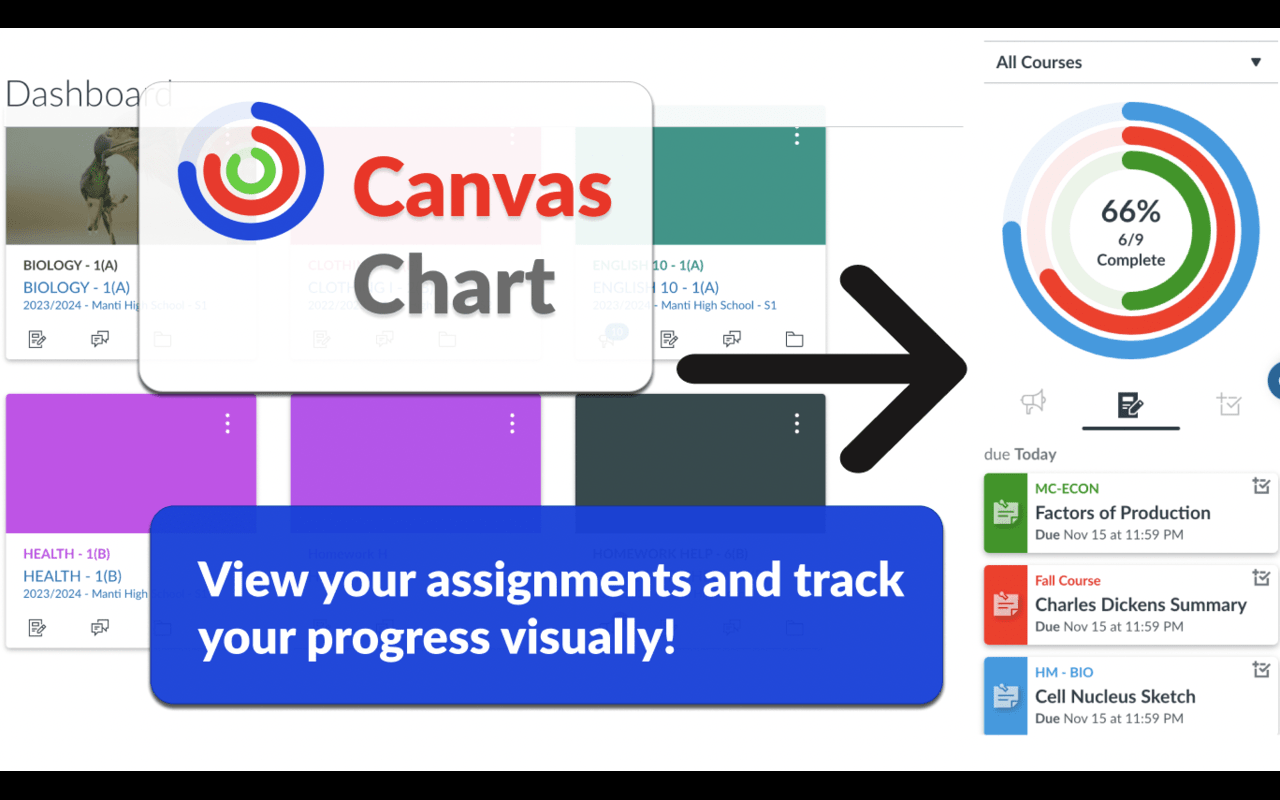
Adds visual progress charts and workload summaries to Canvas. Instead of scanning plain text lists, you get bar charts, pie charts, and visual breakdowns of your assignment and grade data across courses. Fills a niche that no other Canvas extension covers โ visual data representation.
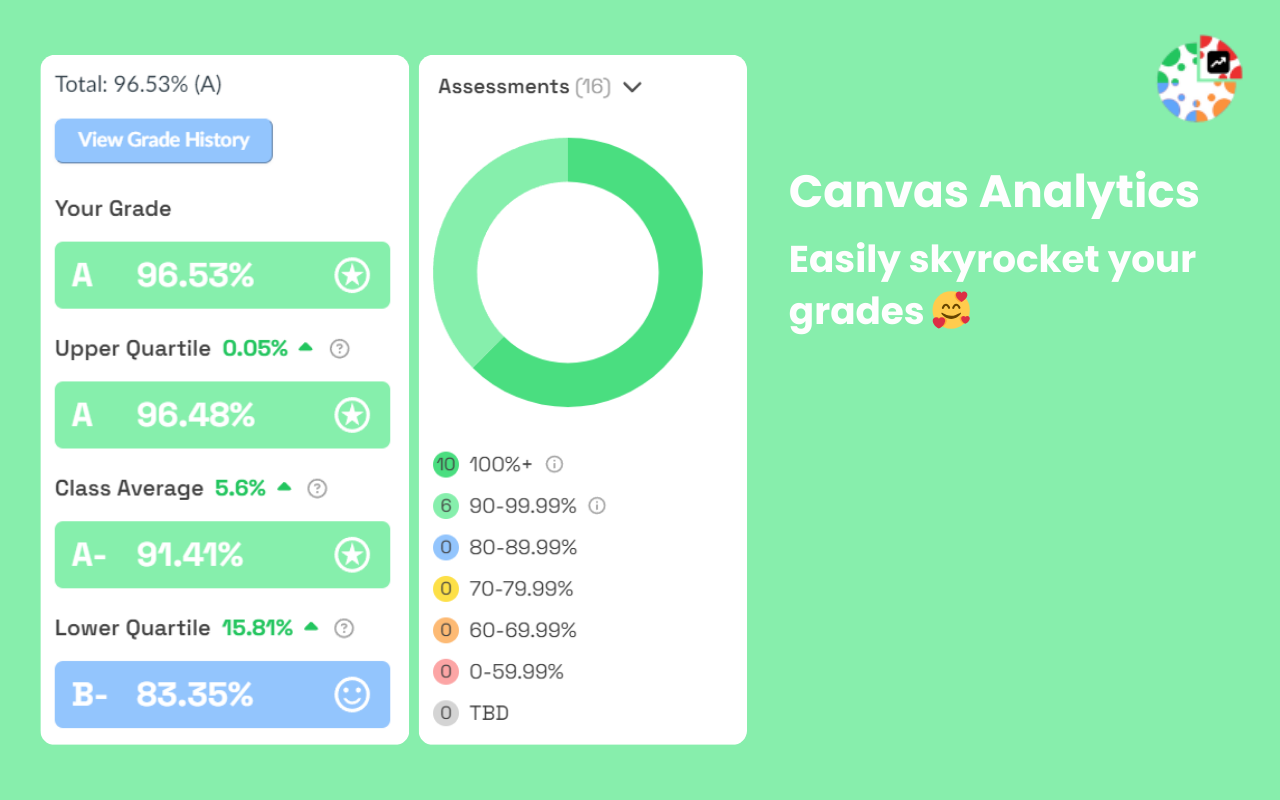
A grade analytics tool that tracks your academic performance over time. Records grade changes each time you visit a course grade page, displays a visual grade tracker graph, and calculates quartile-based grade projections. Also provides an Assignment Overview with a donut chart โ all data stored locally in your browser.
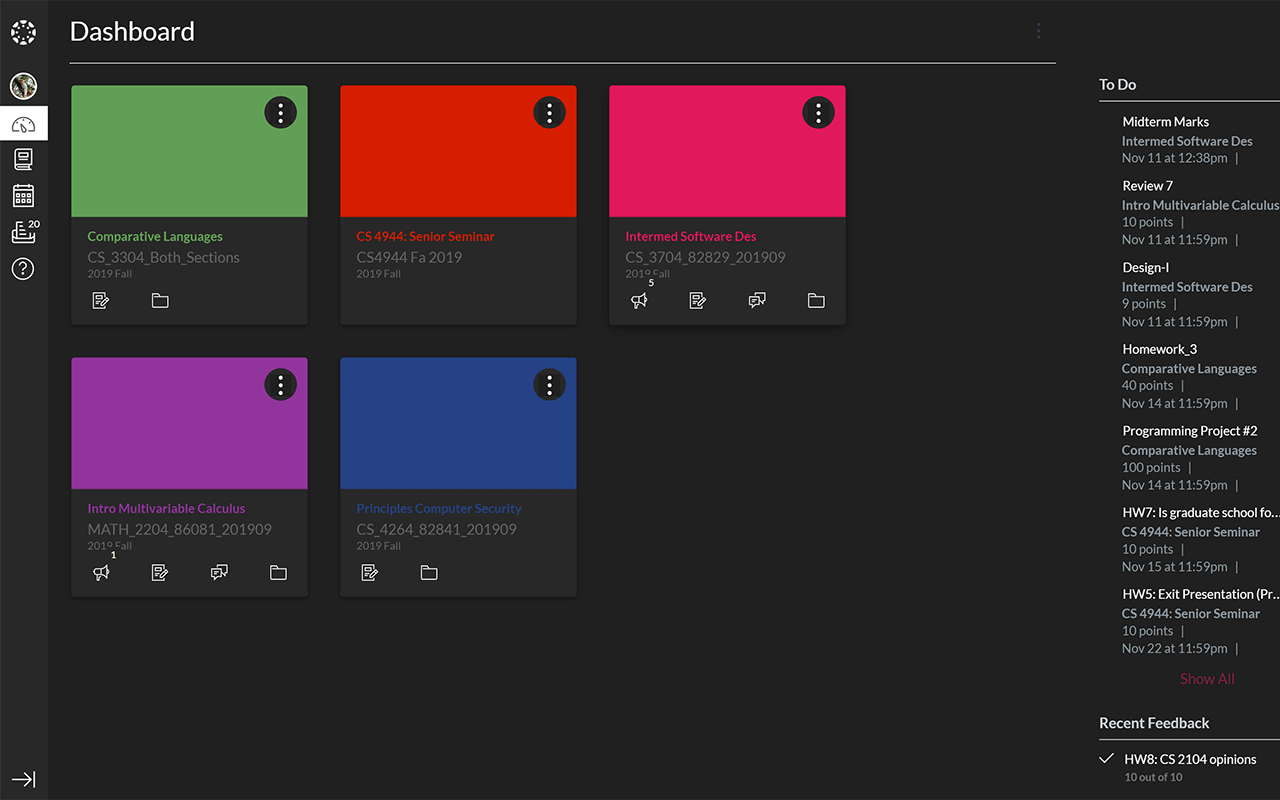
A single-purpose extension that applies a dark color scheme to Canvas, focused entirely on reducing eye strain during long study sessions. With 40K users and a 4.6 rating, it has one of the highest adoption rates among Canvas extensions. Also available as a Firefox add-on.
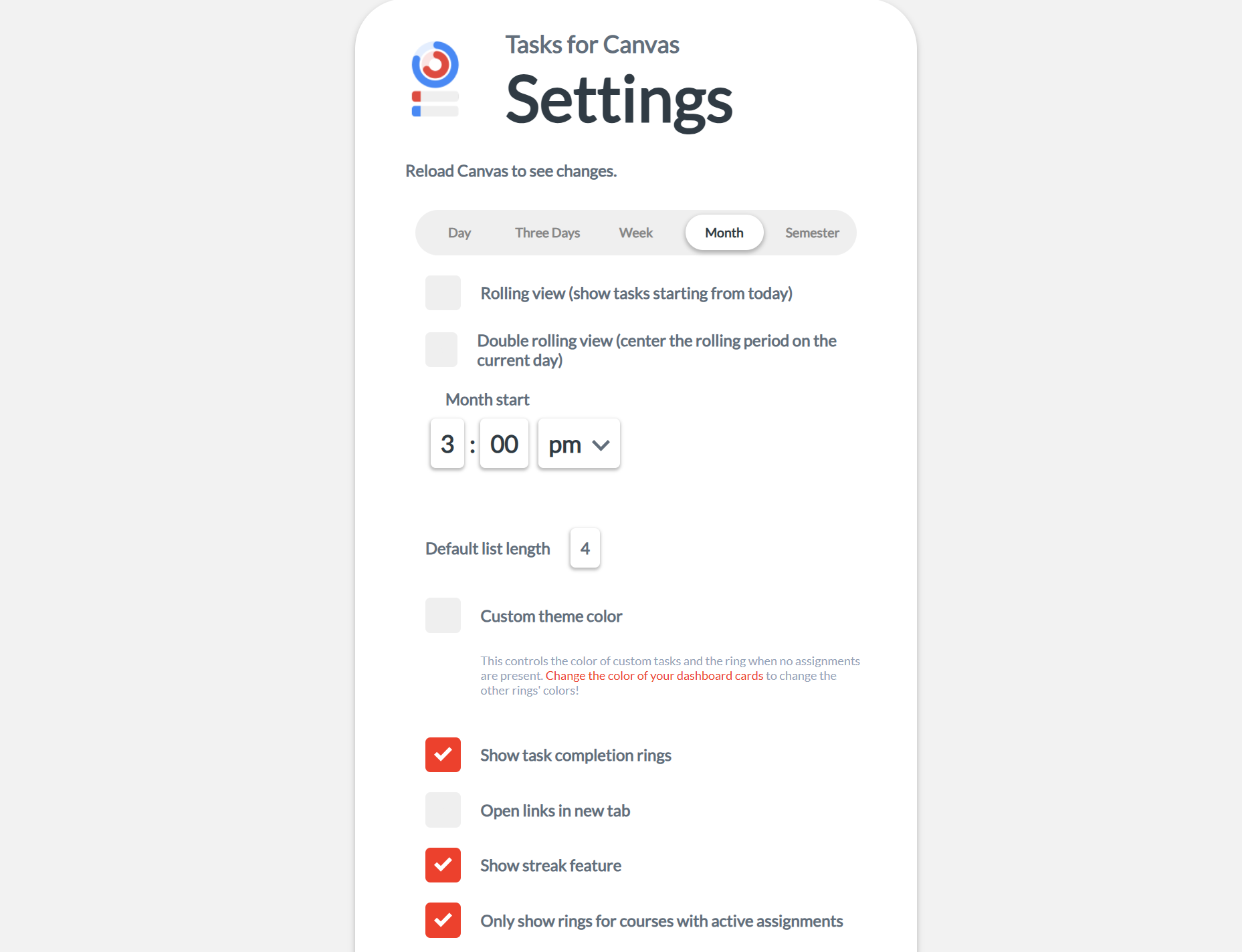
A task management overlay for Canvas that reorganizes assignment information into a cleaner list view. Pulls assignment data and displays it in a sortable, filterable sidebar โ separating past-due, upcoming, and completed items. The most widely installed Canvas extension on Chrome.
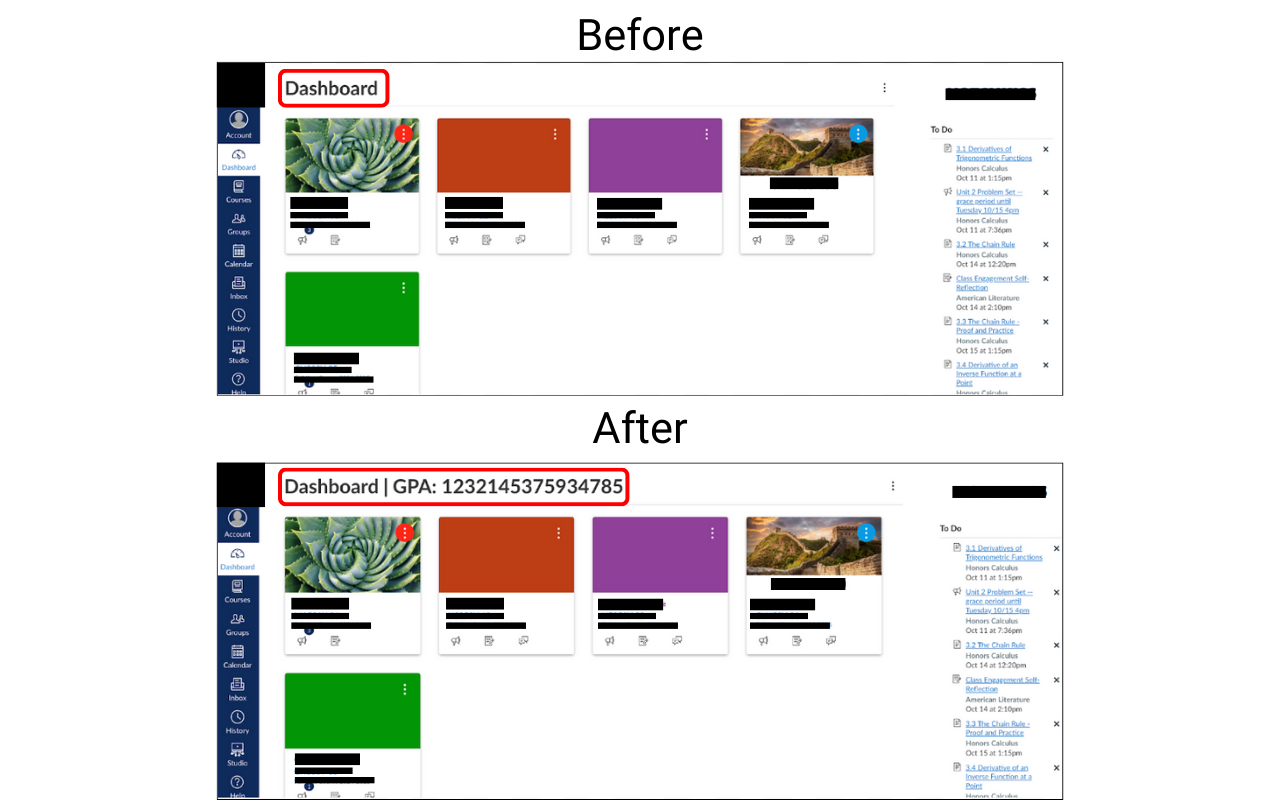
Adds GPA estimation and grade planning tools to Canvas. Reads your grade data and converts it into GPA estimates, with what-if scenarios for planning how future assignments or courses might affect your overall standing. The only extension on this list focused specifically on GPA calculation.
Review permissions, screenshots, update date, and recent reviews before installing any extension.
Install one extension at a time. Some modify overlapping parts of Canvas and may conflict.
These are independent Chrome Web Store listings, not maintained by Instructure or your school.
Yes, but start with one at a time. Extensions that modify the same parts of Canvas (like the dashboard or sidebar) may conflict. Test each one individually before combining.
All 5 extensions listed on this page are free to install from the Chrome Web Store. Check each store listing for details on any premium features or future pricing changes.
Most work on common Canvas domains, but compatibility depends on your school's configuration. Check each extension's store page for supported domains and known limitations.
Canvas Analytics has some overlap with Canvas Chart (both visualize grades) and Canvas GPA Calculator (both do grade calculations). Tasks for Canvas and Canvas Chart both modify the dashboard area, so they may also conflict if used together. Canvas Dark Mode and Canvas GPA Calculator are more isolated โ they rarely conflict with other extensions.
No. All extensions listed here are independent projects published on the Chrome Web Store. They are not developed, endorsed, or maintained by Instructure (the company behind Canvas LMS) or any educational institution. Always review permissions and privacy policies before installing.
Canvas occasionally updates its interface, which can break extensions that modify the page. If this happens, check the extension's store page for updates, read recent reviews for reports, or temporarily disable the extension until a fix is released. Extensions with larger user bases and recent updates are generally more likely to be patched quickly.
We also have a Firefox add-ons comparison page for Canvas.